Rectangle
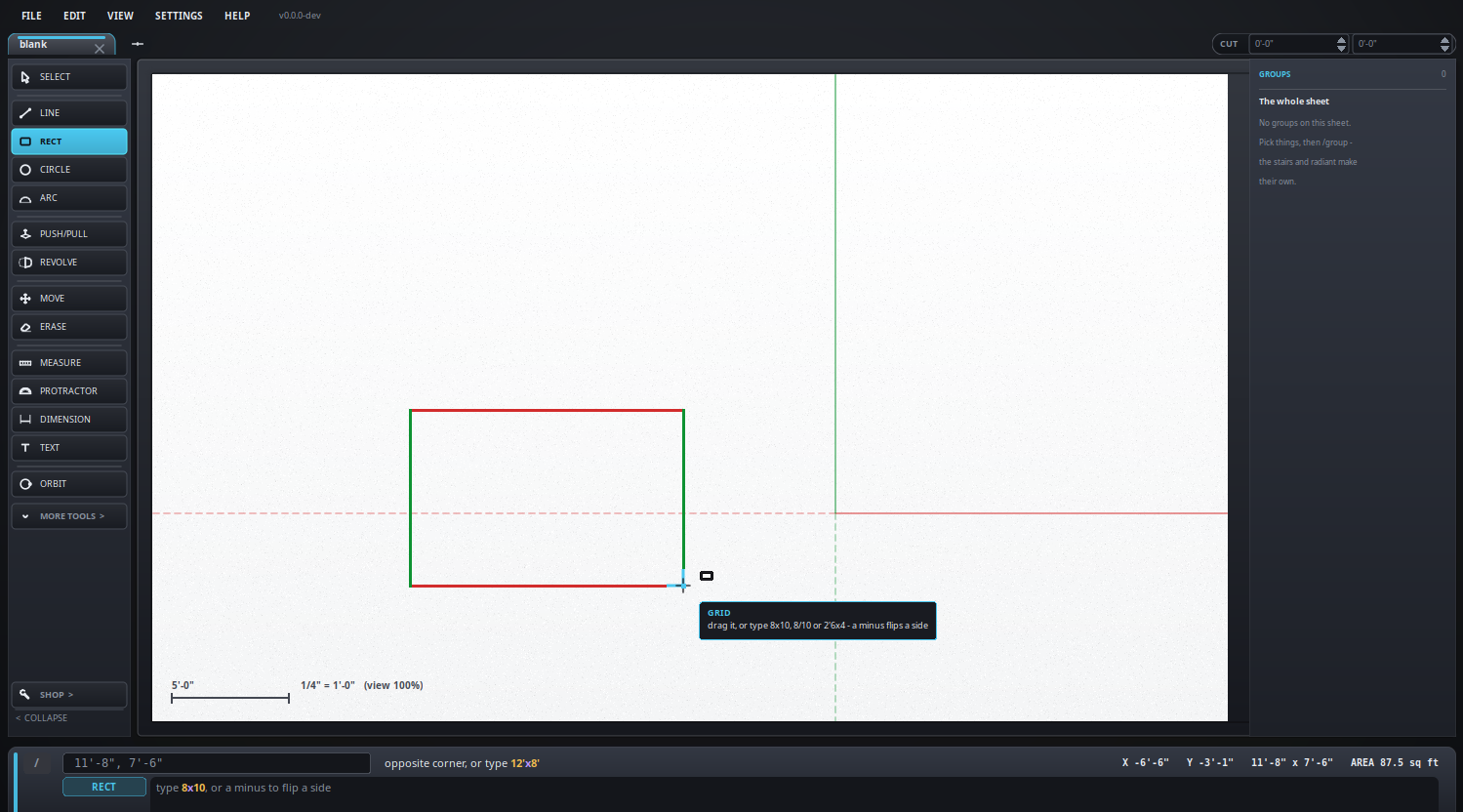
Two corners, and it makes a face.
Keyboard: R
How to use it
- Click one corner.
- Click the opposite one - or type the size and press Enter.
Typing the size
8x5- eight by five, in whatever the drawing is in.8/5- the same, and the slash is on the number pad.2'6x4- two foot six by four.8,- sets that side and leaves the other on the cursor.- A minus flips a side the other way:
-8x5runs left instead of right.
Worth knowing
- It comes out as a face, not four lines, so it is ready to push up right away.
- In a 3D view the arrow keys pick the plane before you start: left or right stands it upright, up or down lays it flat.
- Draw one over another and the edges cut each other where they cross, so each piece can be erased on its own.
What it looks like