Push/Pull

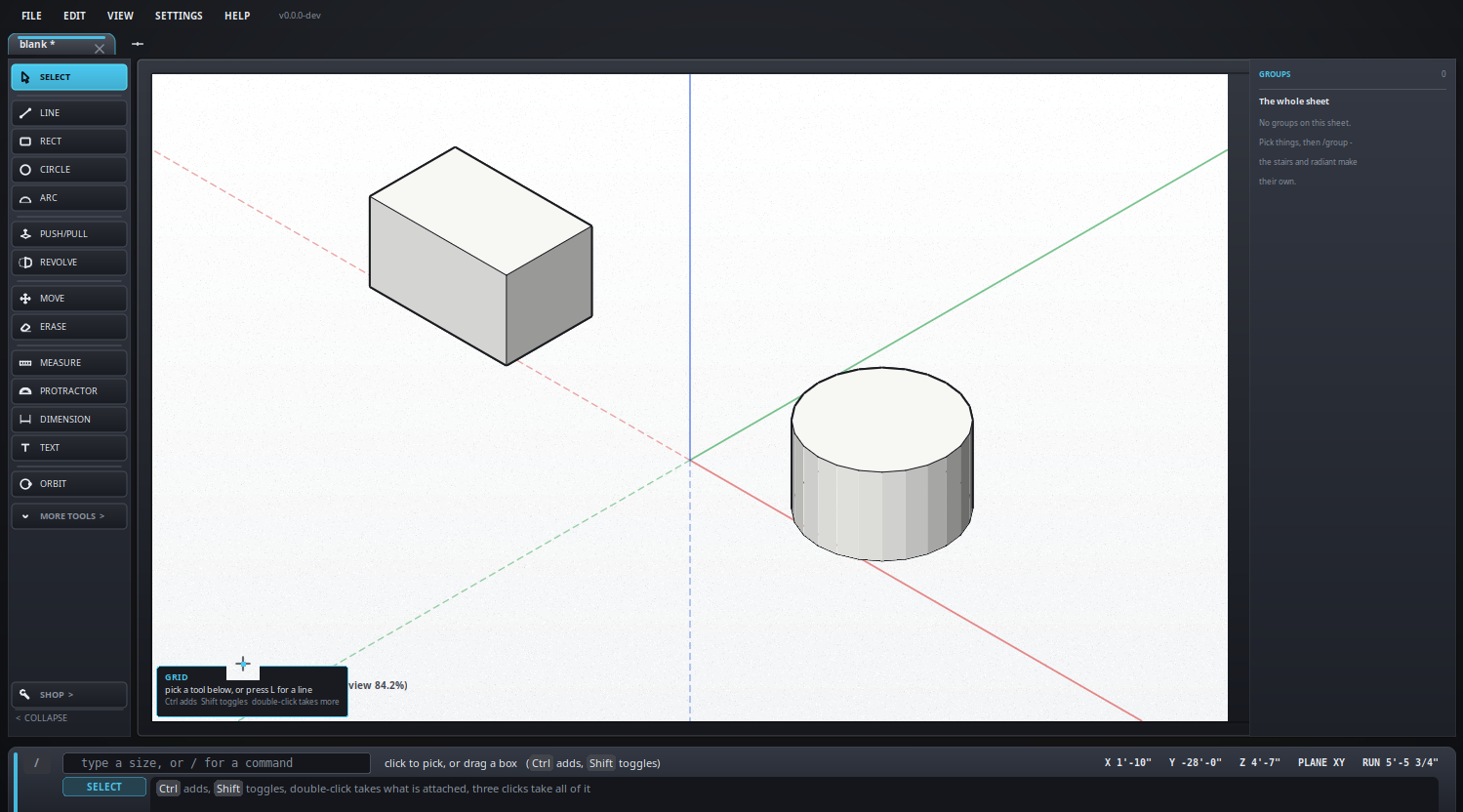
Lift a face into a solid.
Keyboard: P
How to use it
- Click a face and type how far to lift it, or drag it.
- A loop of lines has to be closed before it is a face you can push.
- Pull it back into itself to cut a shape away.
A face with a window in it
A rectangle drawn inside another leaves a ring: an outline with a window in it, the window belonging to the face inside. Pointing at the ring stipples the ring only, the reading in the top right is the area of the ring, and pushing it raises a wall with the opening lined - not a filled block.
What it looks like
The same again
Double-click another face and it is pushed as far as the last push went - a row of identical extrusions in a click each. The click that finishes a push is never the first half of one: click the far wall of a door you have just pushed through, then click there again by accident, and the wall is left alone.